

Before You Start
Make sure you have:- a GitHub account connected to Entire
- access to the GitHub repository you want to mirror
- a GitHub organization admin available if the repository belongs to an organization and the Entire GitHub App has not been installed yet
Configure GitHub Access
In entire.io, open the repository setup flow and choose Configure GitHub App. GitHub opens the Entire GitHub App configuration. From there, an organization admin can install the app or update its repository access.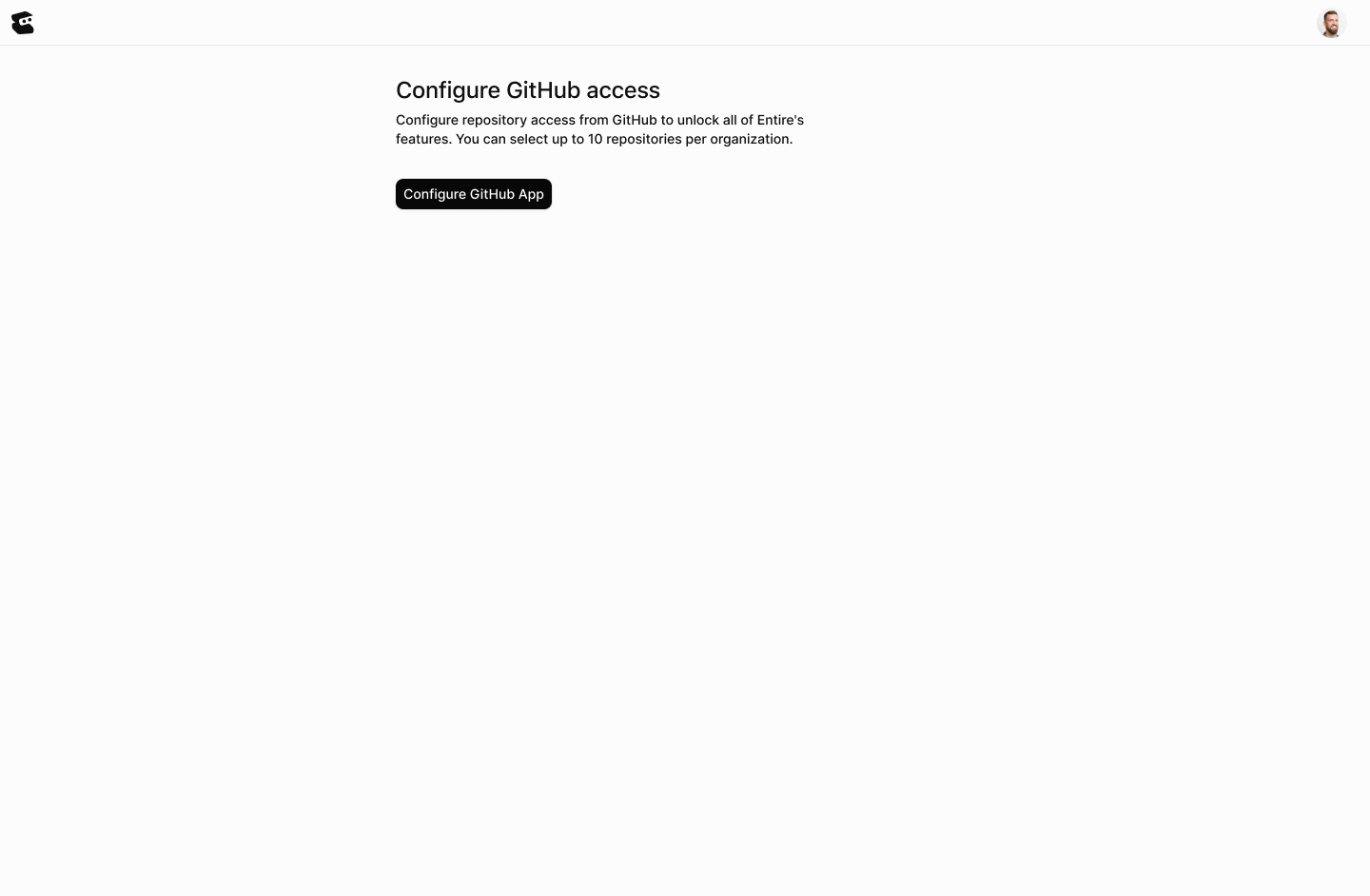
- All repositories, if Entire should be able to access every repository in the account or organization
- Only select repositories, if Entire should only access specific repositories
Select Repositories
After GitHub access is configured, entire.io shows the repositories that are available to mirror. Select the repositories you want to make available in Entire. If a repository does not appear, confirm that:- the Entire GitHub App can access the repository
- your GitHub account has access to the repository
- you are viewing the correct account or organization
Choose Data Residency
Choose the region where Entire stores and serves the repository mirror. Entire currently supports mirroring in regions such as the United States, India, Australia and the European Union. Use the region required by your team’s security, compliance, or latency needs. You can choose a region per repository before continuing.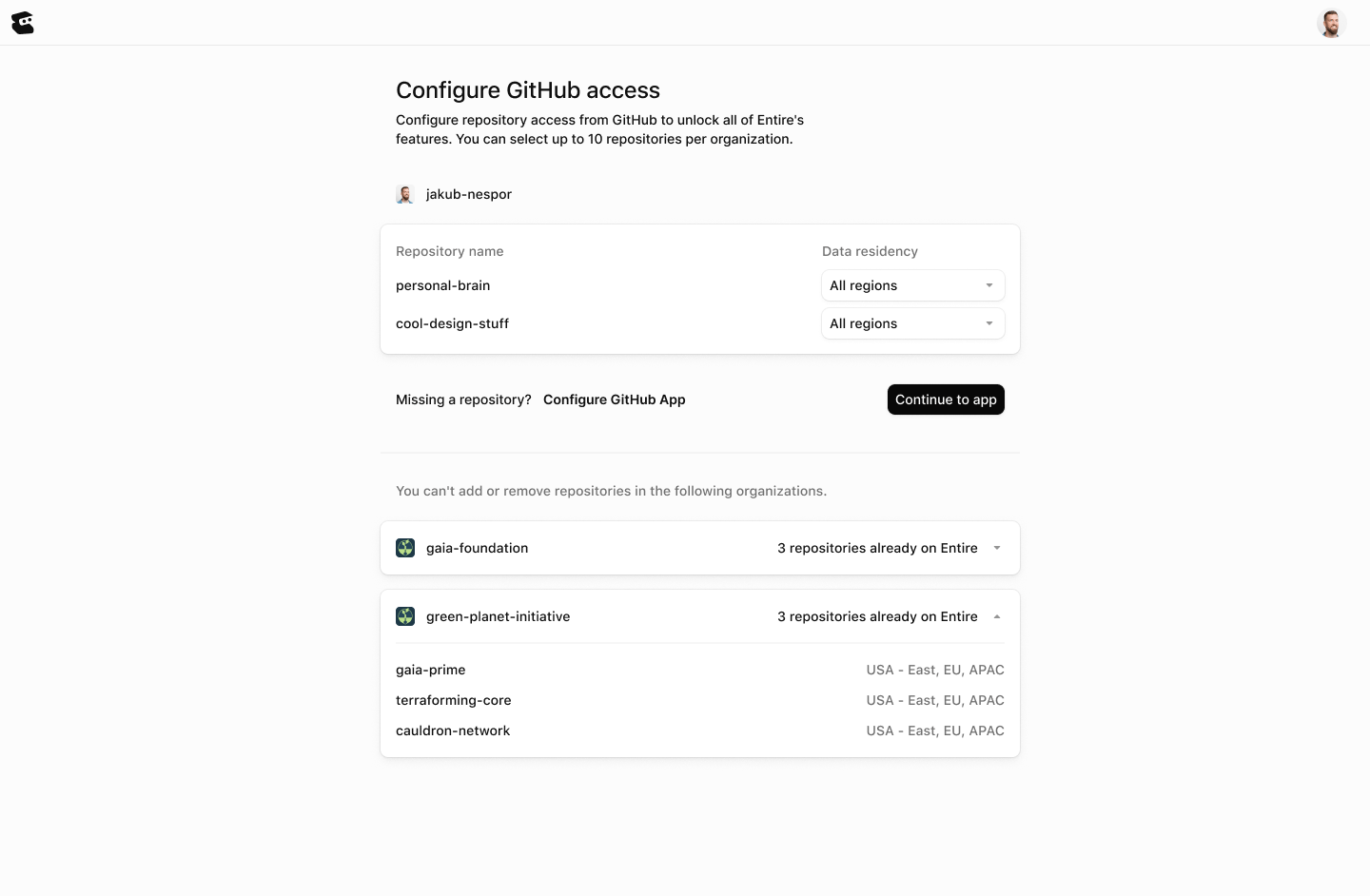
Continue to Entire
After you choose repositories and data residency, continue to the repositories tab in entire.io. The mirrored repositories appear in the repository list. From there, your team can use entire.io to inspect repository activity and agents can use the mirror as a regional Git remote.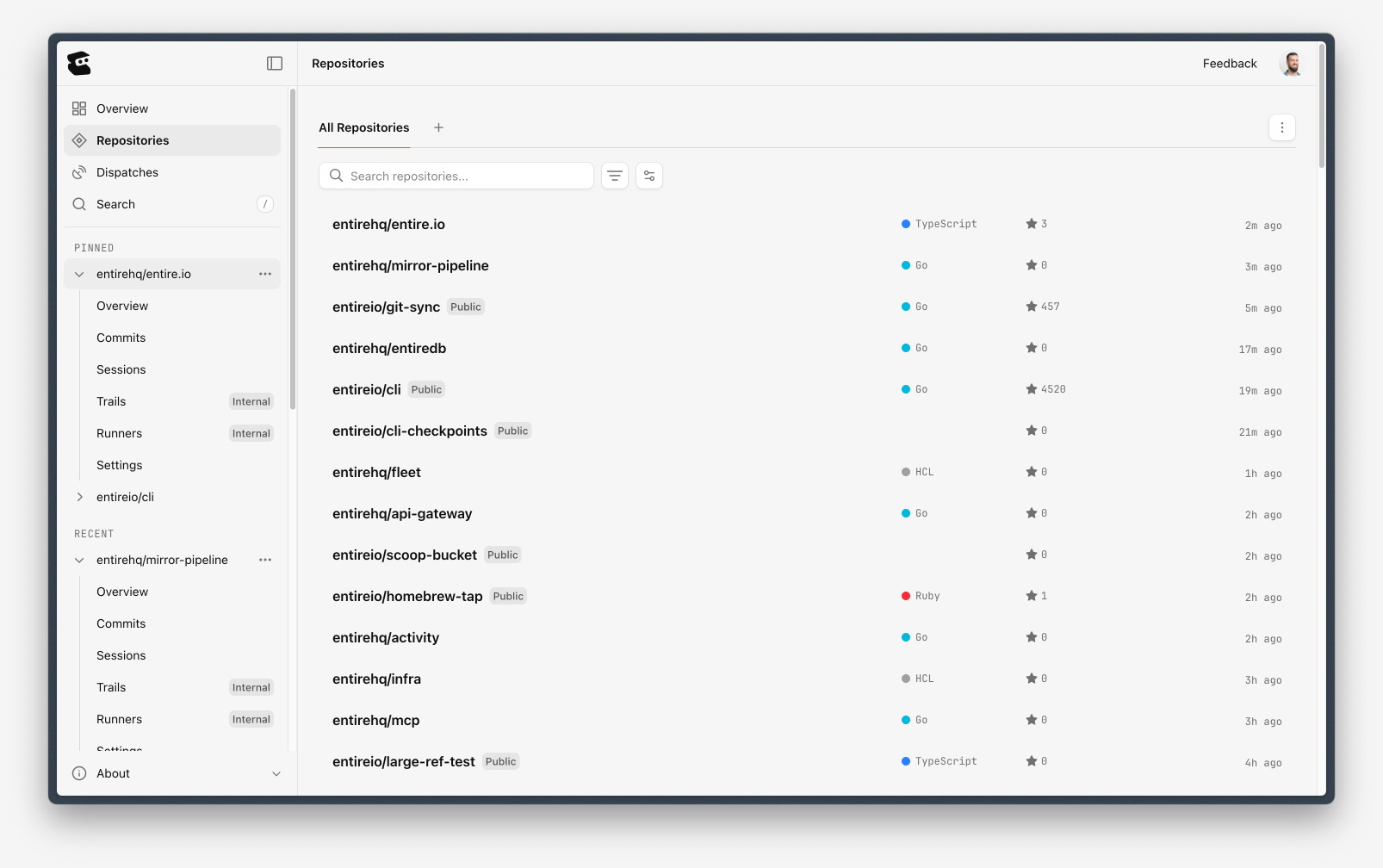
If You Are Not an Org Admin
If you are not a GitHub organization admin, you may not be able to add or remove repositories from the GitHub App configuration. You can still continue to entire.io and use repositories that an admin has already made available. If the repository you need is missing, ask a GitHub organization admin to configure the Entire GitHub App for that repository.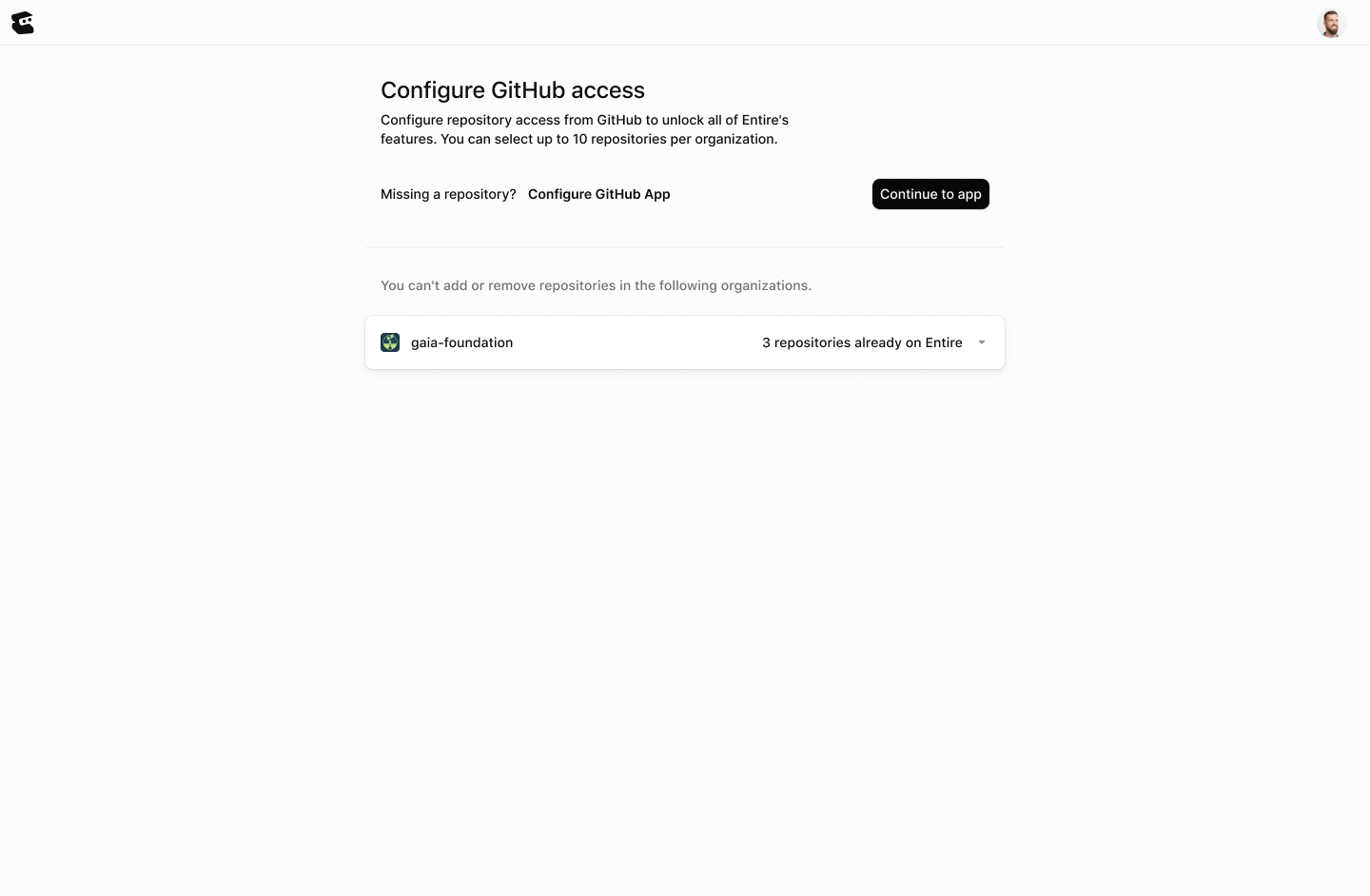
Continue With
GitHub App Access
Choose which GitHub repositories Entire can access.
Mirrors
Learn how mirrors make GitHub repositories available in Entire.
Mirrors in CLI
Create a mirror from the terminal and use it from Git.
Mirror Access and Permissions
Understand GitHub-synced access, hourly collaborator sync, and offboarding.
Troubleshooting
Fix missing repositories, app access, clone, fetch, and push issues.