- Be 3–32 characters long.
- Use only lowercase letters, numbers, and hyphens. Spaces, dots, and capital letters are not allowed.
- Not begin or end with a hyphen.
- Be unique across Entire. Names are matched case-insensitively.
Some names are reserved because they match well-known public accounts.
Creating a Project
- Open the Account menu, select Organizations, and choose the organization where you want to create a project.
- Then go to Project menu from the left side bar and select Create Project.
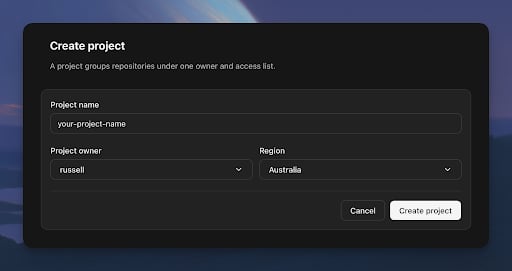
- Choose your project name, owner, and primary Region, then select Create project.