> ## Documentation Index
> Fetch the complete documentation index at: https://docs.entire.io/llms.txt
> Use this file to discover all available pages before exploring further.
# Connect a repository
> Authorize the Entire GitHub App and choose which repositories to connect
Entire connects to your GitHub repositories to read checkpoint data. This page covers how to authorize the GitHub App, choose repos, and manage permissions.
The Entire GitHub App requests read and write access to repository contents and pull requests. Checkpoint data is created locally by the [Entire CLI](/cli/overview) and lives on a branch in your repo (`entire/checkpoints/v1`); you push that branch yourself with normal `git push`. See [Security & Privacy](/security) for the full picture.
## Authorize the GitHub App
Visit [entire.io](https://entire.io) and click **Sign in**, then **Sign in with GitHub**.
GitHub will ask you to authorize the Entire GitHub App for your personal account.
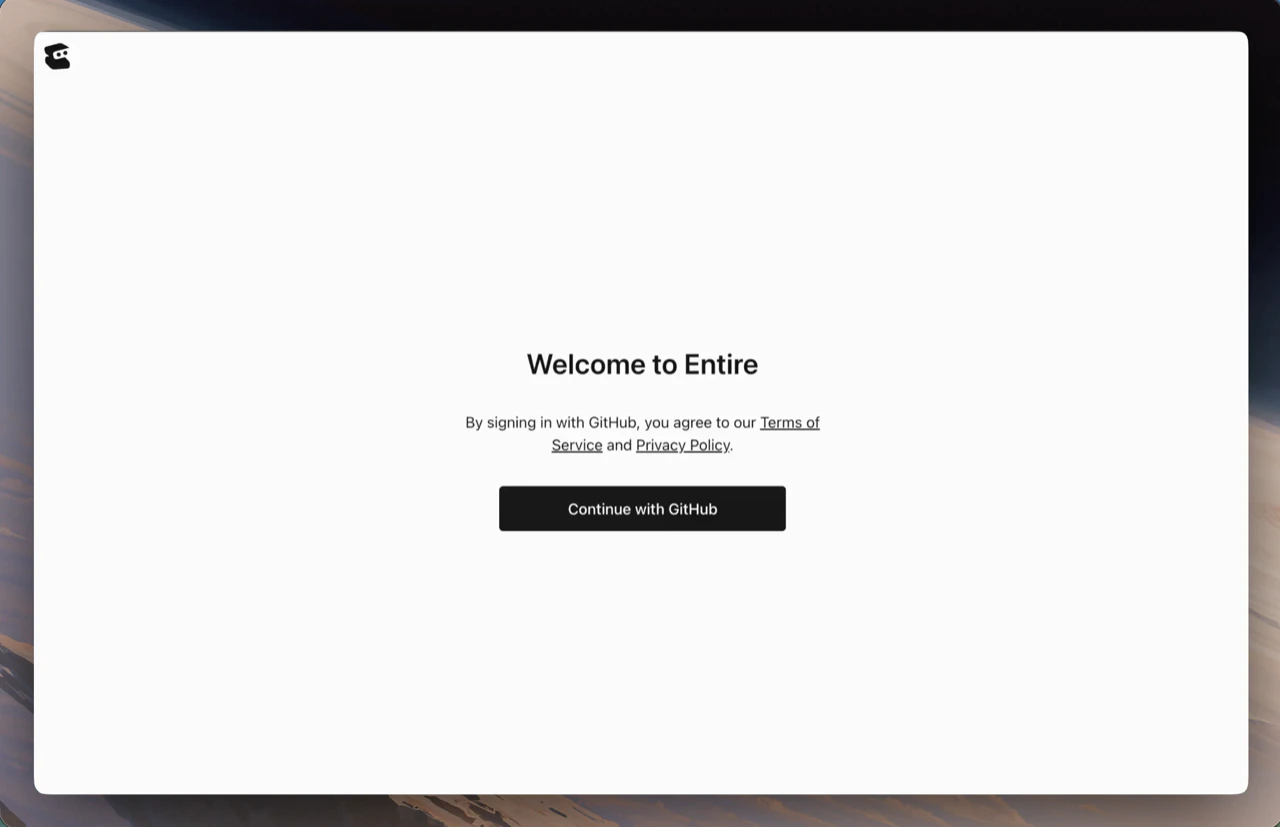 After authorization you'll arrive on your [Dashboard](/web/dashboard).
## Choose which repositories to connect
After signing in, select which repositories Entire can access.
After authorization you'll arrive on your [Dashboard](/web/dashboard).
## Choose which repositories to connect
After signing in, select which repositories Entire can access.
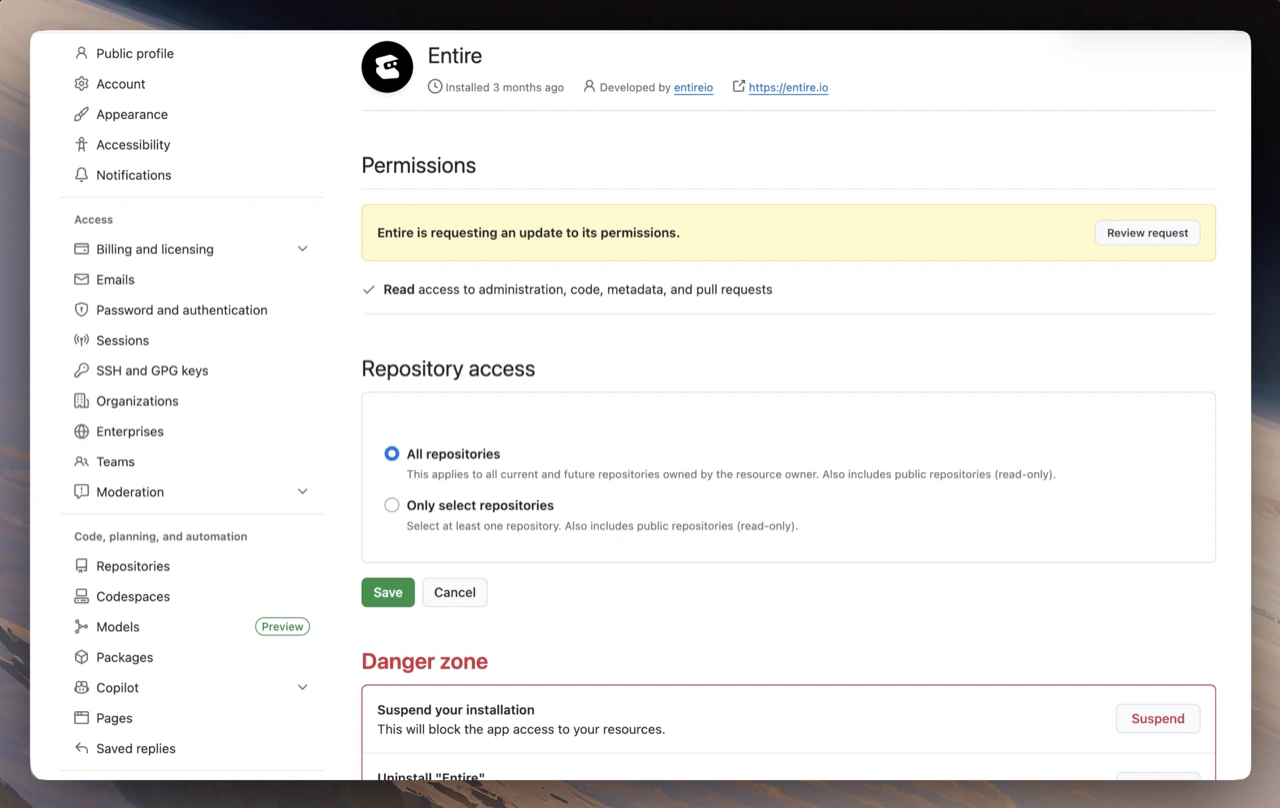 To add or remove repositories later:
1. Open **Repositories** in the entire.io sidebar
2. Click **Configure GitHub App access** — this jumps you to GitHub's app settings
3. Select repositories from GitHub's list, then **Save**
## Permissions
The Entire GitHub App requests these permissions:
**Repo**
| Permission | Purpose |
| -------------------------- | ------------------------------------------------------------------------------ |
| Administration (read) | Repository creation, deletion, settings, teams, and collaborators. |
| Checks (read) | Checks on code. |
| Commit statuses (read) | Commit statuses. |
| Contents (read/write) | Repository contents, commits, branches, downloads, releases, and merges. |
| Pull requests (read/write) | Pull requests and related comments, assignees, labels, milestones, and merges. |
**Org**
| Permission | Purpose |
| -------------- | ------------------------------- |
| Members (read) | Organization members and teams. |
Entire requests write access to contents and pull requests as we test new features rolling out soon. This access will help validate functionality, workflows, and integrations ahead of upcoming launches. In current product flows, checkpoint data is created locally by the [Entire CLI](/cli/overview) and pushed by you with normal `git push` — Entire does not push code to your branches on your behalf today.
## Organization repositories
For repositories owned by a GitHub organization:
1. An organization admin must install the Entire GitHub App on the organization
2. Admins choose which repositories the app can access
3. Team members see repositories they have collaborator access to
Within an organization, checkpoints and sessions are visible to all repository collaborators by default.
## When you remove access
If you uninstall the Entire GitHub App or remove a repository from its access list:
* Entire stops syncing new checkpoints from that repository
* Existing checkpoint data already on entire.io remains visible to team members until you delete it
* The shadow branch (`entire/checkpoints/v1`) in your repo is unaffected because Entire did not create or update that branch
## Troubleshooting
If sign-in or authorization fails, see [Troubleshooting](/web/troubleshooting).
## Continue with
See your activity across all connected repositories.
Resolve auth and sync issues.
To add or remove repositories later:
1. Open **Repositories** in the entire.io sidebar
2. Click **Configure GitHub App access** — this jumps you to GitHub's app settings
3. Select repositories from GitHub's list, then **Save**
## Permissions
The Entire GitHub App requests these permissions:
**Repo**
| Permission | Purpose |
| -------------------------- | ------------------------------------------------------------------------------ |
| Administration (read) | Repository creation, deletion, settings, teams, and collaborators. |
| Checks (read) | Checks on code. |
| Commit statuses (read) | Commit statuses. |
| Contents (read/write) | Repository contents, commits, branches, downloads, releases, and merges. |
| Pull requests (read/write) | Pull requests and related comments, assignees, labels, milestones, and merges. |
**Org**
| Permission | Purpose |
| -------------- | ------------------------------- |
| Members (read) | Organization members and teams. |
Entire requests write access to contents and pull requests as we test new features rolling out soon. This access will help validate functionality, workflows, and integrations ahead of upcoming launches. In current product flows, checkpoint data is created locally by the [Entire CLI](/cli/overview) and pushed by you with normal `git push` — Entire does not push code to your branches on your behalf today.
## Organization repositories
For repositories owned by a GitHub organization:
1. An organization admin must install the Entire GitHub App on the organization
2. Admins choose which repositories the app can access
3. Team members see repositories they have collaborator access to
Within an organization, checkpoints and sessions are visible to all repository collaborators by default.
## When you remove access
If you uninstall the Entire GitHub App or remove a repository from its access list:
* Entire stops syncing new checkpoints from that repository
* Existing checkpoint data already on entire.io remains visible to team members until you delete it
* The shadow branch (`entire/checkpoints/v1`) in your repo is unaffected because Entire did not create or update that branch
## Troubleshooting
If sign-in or authorization fails, see [Troubleshooting](/web/troubleshooting).
## Continue with
See your activity across all connected repositories.
Resolve auth and sync issues.